
messages
Run “messages” first on Wi-Fi, then on mobile data.
Route only Telegram through GRANI, then test each important task on Wi-Fi and mobile data.
72 hours without a card · up to 5 devices · subscription purchased separately
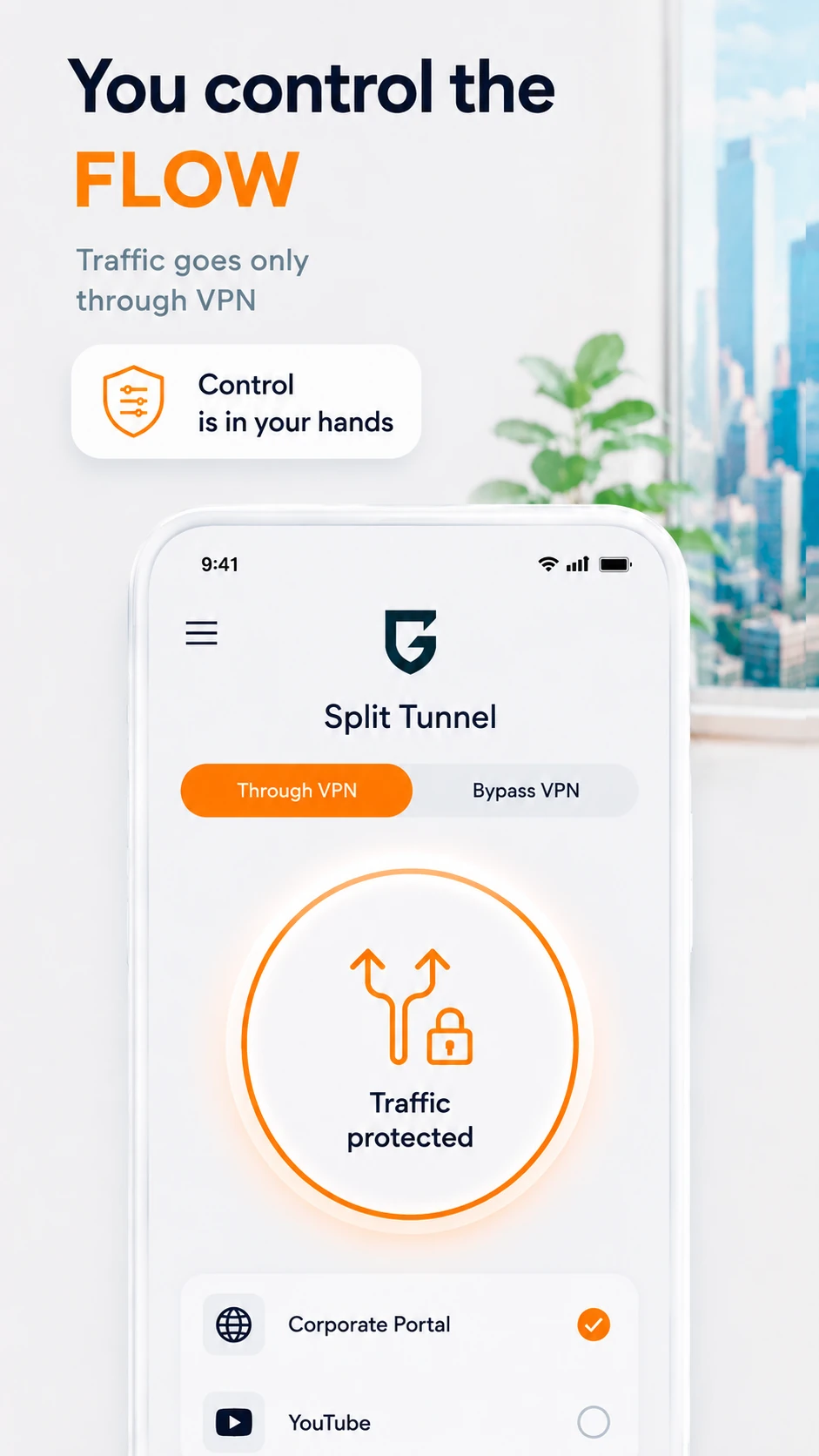
Test Telegram through a VPN on Android.
Record initial, repeat, and post-switch behavior.
Run “messages” first on Wi-Fi, then on mobile data.
Run “files” first on Wi-Fi, then on mobile data.
Run “voice messages” first on Wi-Fi, then on mobile data.
Run “video calls” first on Wi-Fi, then on mobile data.
Run “Wi-Fi ↔ mobile switching” first on Wi-Fi, then on mobile data.
Open app split-tunneling settings.
Add the app to the VPN-routed list.
Apply the rule with a new connection and repeat the matrix.
A VPN cannot fix Telegram outages, account restrictions, insufficient source bandwidth, or service policies.
Telegram belongs to its respective owner. GRANI is not affiliated with or endorsed by it.Yes. The Android app supports app split tunneling.
No. Availability depends on the network, region, service, and its policies.
No. Account restrictions, a service outage, or a device issue must be resolved with the service.
Repeat the matrix on Wi-Fi and mobile data without changing servers between comparisons.
The trial does not create a paid subscription.