
Open Google Play
Use the official listing linked on this page.
Get the official app from Google Play, sign in, and test your connection. Follow the steps below for your first launch.
Use the official listing linked on this page.
Wait for installation to finish, then open the app.
Use Google or your email address. Keep the same account across devices.
Approve Android's VPN connection request.
Choose an available server, connect, and check traffic in the application you need.
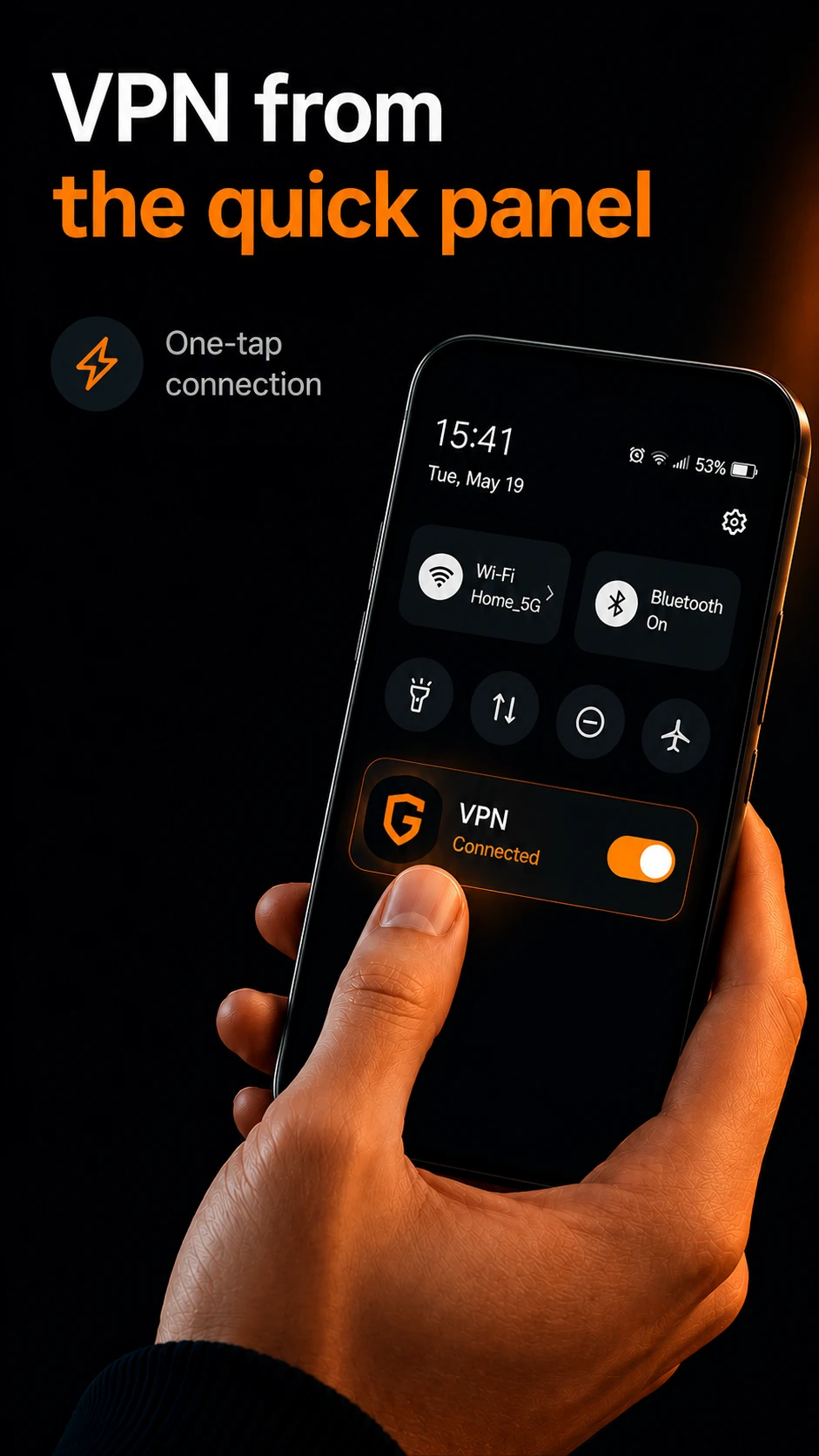
Use split tunneling and the Android Quick Settings tile.
Scan with your Android phone to open the official Google Play listing.
The trial starts after verified sign-in and does not automatically become a paid subscription.
Open Google Play or scan the QR code with your Android phone.
The ordinary 72-hour trial requires no card and does not turn into a paid subscription automatically. Gift access has separate conditions.
Check your internet without the VPN, the Android permission, and the selected server. Contact support if the issue remains.